
Host your own one
You do not need permission, a budget, or a venue with a stage. A Software Freedom Day catch-up can be six people and a kettle.
What actually happens on the day
Most catch-ups are some mix of these, and picking just one is plenty for a first year.
- An install fest. People bring the laptop they already own and leave with free software on it.
- An open exchange. A conversation about open source software, pitched at whoever turns up.
- Lightning talks. A few minutes each, from anyone in the room who wants to.
- A demo table. Hardware, retro machines, a 3D printer, whatever you have.

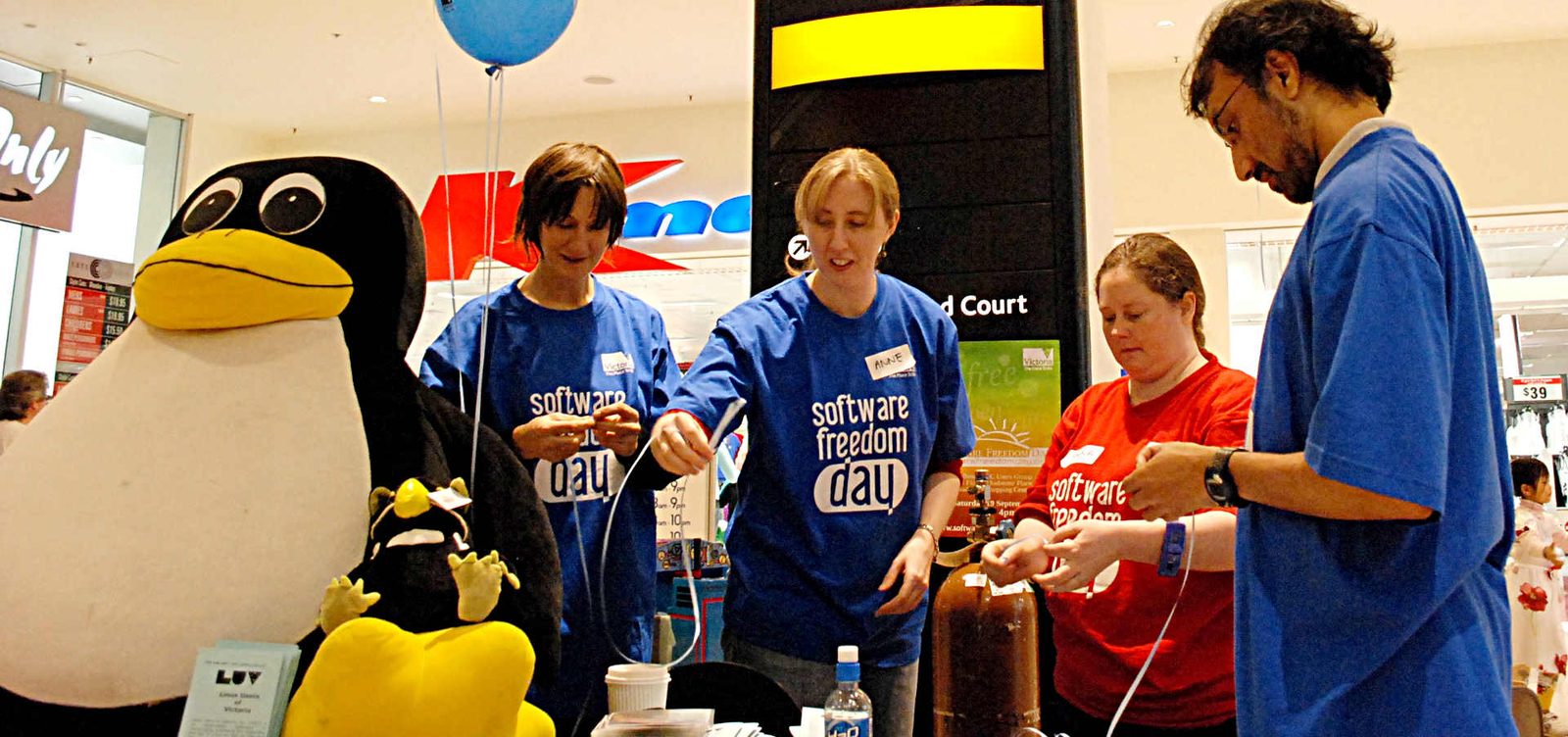
Putting one together
-
Find a room
A library meeting room, a hackerspace, a co-working space, a community hall, a cafe with a back table. Ask about power outlets and whether the wifi will cope with people downloading images. Free or donated space keeps the day free for attendees.
-
Pick your hours
Anything from two hours to a full day. Drop-in works better than a fixed program, because people arrive when they can. Say clearly when someone should turn up if they want help installing something.
-
Prepare some USB sticks
Load a few with a beginner-friendly GNU/Linux distribution, and bring blank ones so people can take an installer home. Ask attendees to back up anything they care about before they arrive, and be ready to say "let's not do this today" if a machine holds someone's only copy of something.
-
Round up a couple of helpers
Two or three people who can sit with someone and answer questions is enough. They do not need to be experts, only patient.
-
Tell people it's on
Local Linux user groups, your library's noticeboard, a community calendar, the nearest university, a post in whichever local forum people actually read. Say plainly that beginners are welcome, because otherwise they will assume they are not.
-
Add your location to this site
So people can find you. Details are further down this page.
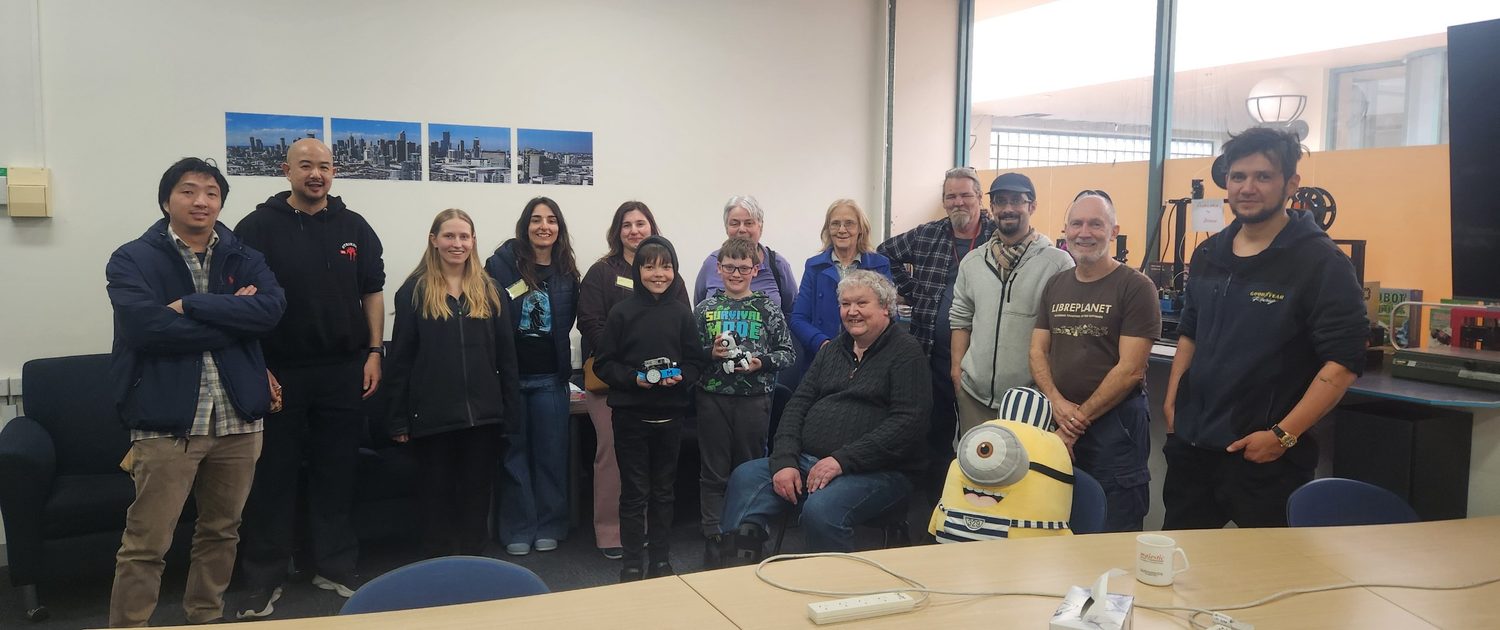
Small is not a lesser version.
A quiet room where four people got their laptops working is a better day than a big room where nobody spoke to each other.
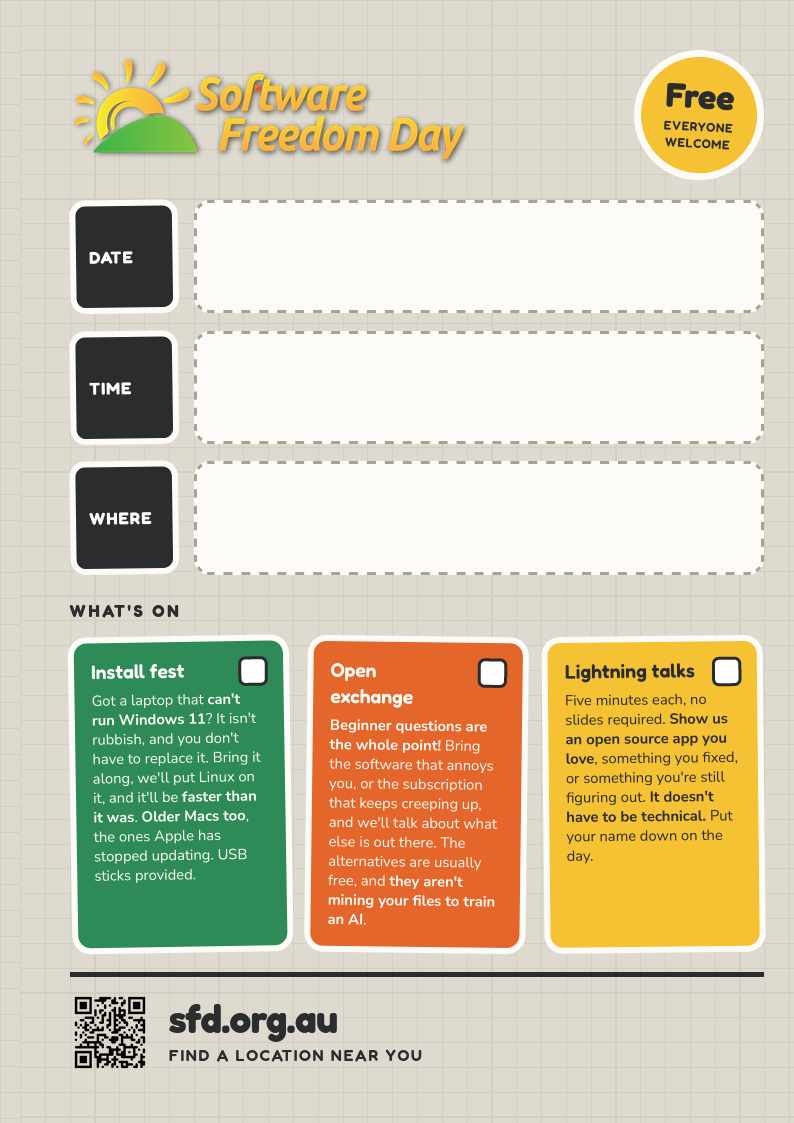
A poster you fill in by hand
Nothing on it is specific to one event. Print one, write your details in the gaps with a marker, then photocopy as many as you need.
Print one A4 for a noticeboard, or two A5 on a sheet for shop windows and handing out. Choose colour to match the site, or black and white, which survives a photocopier and costs almost nothing to run off.
A QR code back to this site is already on it, and the whole thing is a single file you can fork and reword.
Add your location to this site
Every location on the home page comes from a single file, src/_data/events.json. Adding yours is one entry in that list.
Copy the block below, change the details to yours, and add it to the list. The activities are whatever you have decided to run, so put your own in.
{
  "id": "your-city-venue",
  "status": "confirmed",
  "city": "Your City",
  "region": "Australia",
  "venue": "The Venue",
  "time": "1pm to 5pm",
  "summary": "One line about your catch-up.",
  "address": "12 Example St, Your City",
  "map": "https://maps.example.com/...",
  "logo": {
    "src": "/assets/images/logos/hosts/your-venue.svg",
    "alt": "Your Venue",
    "url": "https://yourvenue.example"
  },
  "volunteer": { "open": true },
  "activities": [
    {
      "when": "All day",
      "title": "Install fest",
      "description": "What people should expect."
    }
  ],
  "actions": [
    { "label": "Register", "url": "https://...", "style": "primary" }
  ]
}
Only id, city and venue are really needed. Everything else is optional and simply will not render if you leave it out. If a pull request is not your thing, email the details instead and we will add them for you.
Formatting. Activity descriptions accept a little HTML, so <strong> around a few important words is fine. Use it sparingly, two or three phrases at most, or nothing stands out.
Volunteers. Set "volunteer": { "open": true } and a Volunteer button appears on your location, sending people to a short form that arrives with the organisers. Leave it out if you would rather sort your own helpers.
Venue logo. Optional. Put the file in src/assets/images/logos/hosts/ in the same pull request. SVG or PNG both work, and SVG stays sharp on every screen. For an SVG, keep the viewBox and convert any text to outlines, otherwise it renders in the wrong font. Leave out url and the logo shows without linking anywhere.
- Put a sign on the door. People do get lost.
- Greet everyone who walks in, especially anyone hovering.
- Have a table for people who just want to watch.
- Take a photo or two, with people's permission.
Everyone follows the same code of conduct
Read it before the day and make sure your helpers know who to raise a problem with. It applies to every event under the Software Freedom Day banner, including yours.
Still not sure?
Email us and ask. Somebody who has run one before will talk it through with you, and would much rather do that than have you not run one at all.
Finished reading?
Back to the home page